Smart CAN-bus interface
BeeLatch
A plug-in T-Box replacement that connects your electric motorcycle to the BeeDash app — live battery data, cell balance, temperatures and ride signals on your phone.
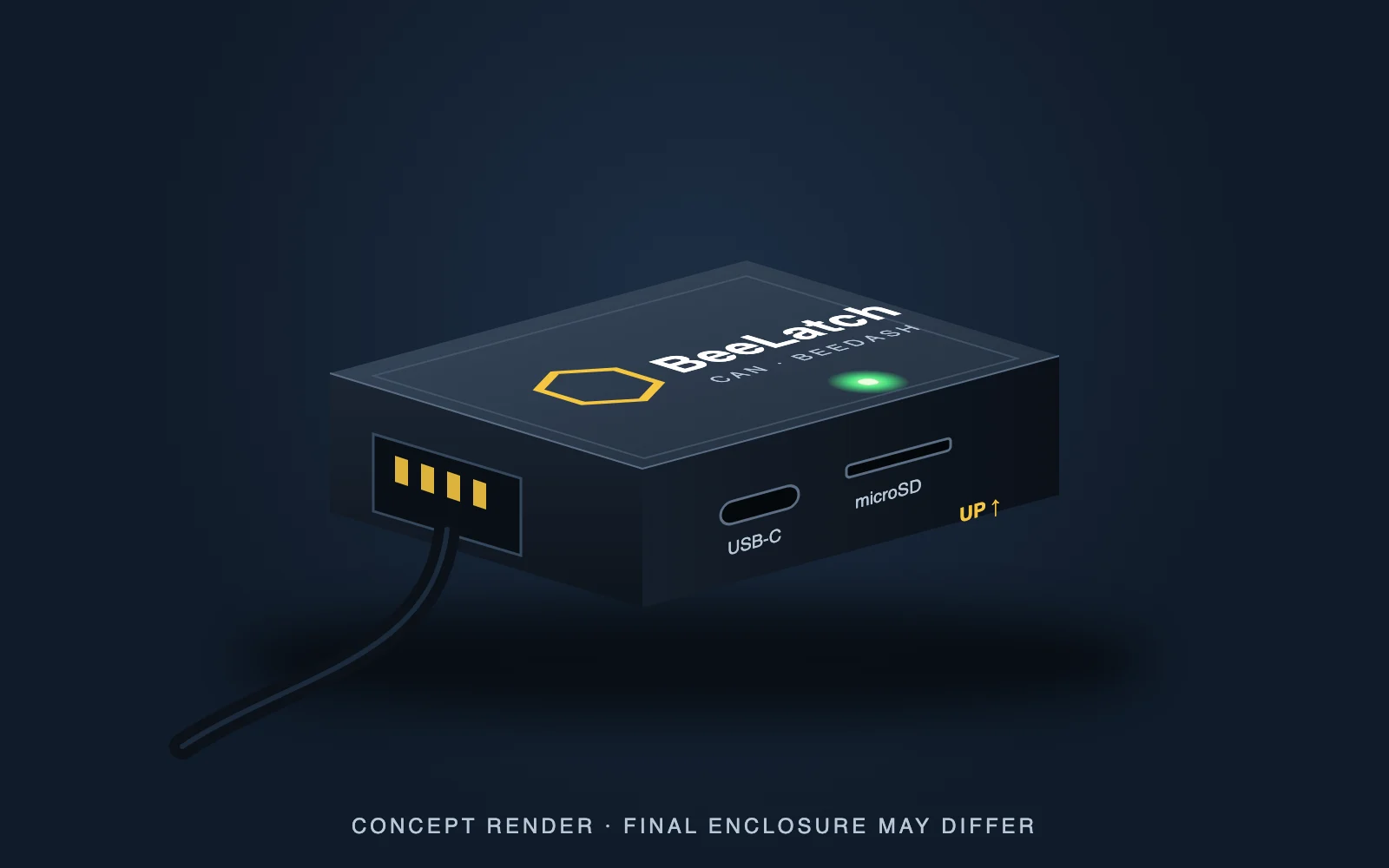
Sits where the T-Box was. Talks to your phone.
BeeLatch installs in the original T-Box position, listens to the bike’s CAN bus — the network the battery, controller and dash use to talk — decodes what it understands and sends it to BeeDash. Today the phone connects over Wi-Fi; Bluetooth is in development.
Install
Four screws and one connector in the T-Box position. No battery work. About 15 minutes.
Connect
Open BeeDash, find BeeLatch on your network, and the dashboard goes live.
Ride
Live battery, cell balance, temperatures and ride recording — plus SD logging in the background.
Everything on the CAN bus. Nothing that isn’t.
BeeLatch reads the messages the battery, controller and dash send each other on the CAN bus. Some things on the bike never become CAN messages — they are simple wired switches and LED indicators — so no CAN device, including BeeLatch, can see them.
BeeLatch can see
- Pack voltage, current and state of charge
- Every cell group, plus highest, lowest and spread
- Battery temperature channels
- Kickstand position and ride mode
- Key / ready state and throttle (provisional)
- Bike speed (once you set the speed scale)
BeeLatch can’t see
- Headlight on or off
- High beam vs low beam
- Turn signals
- Horn
These are simple LED indicator lights wired into the outside of the dash. They are switched directly, not reported on the CAN bus, so they are not part of BeeDash data.
Every ride, saved. On video, if you want.
BeeDash records each ride with GPS and the bike’s data. Here is what works today and what is coming next.
Ride recording
Start a ride in BeeDash and it records your route, distance, speed and battery data once a second, saved on your phone with weekly and all-time history.
Export GPX & CSV
Export any ride as GPX or CSV — the formats video-overlay tools use to put speed, route and data on top of your GoPro footage.
Automatic cloud history & HUD
With BeeLatch installed, rides, stats and telemetry will save to your BeeDash cloud history automatically, ready to export as a HUD overlay for the GoPro video of that ride.
Cloud history is not live yet. Before it launches we will publish exactly what is stored, where, and how to delete it.
What BeeLatch does
- Live pack voltage, current, state of charge, every cell group and temperatures (2026 Ultra Bee)
- Selected bike signals such as kickstand and ride mode
- Records CAN traffic to microSD for later analysis
- Signed firmware updates with automatic rollback
- Status LED: green while receiving CAN traffic, red when the bus is quiet
What it never does
- Change bike settings, unlock features or modify the battery
- Receive commands from the BeeDash app for the bike
- Cellular or GPS tracking — that is BeeLatch Pro
- Connect to the manufacturer’s cloud service
| Specification | BeeLatch |
|---|---|
| Processor | ESP32 (LILYGO T-CAN485), native ESP-IDF firmware |
| CAN bus | 500 kbit/s, standard identifiers |
| Phone connection | 2.4 GHz Wi-Fi · Bluetooth in development |
| Storage | microSD logging |
| Updates | Signed firmware, dual slots with rollback |
| Install location | Original T-Box position |
| Verified bike | 2026 Ultra Bee · more on the compatibility page |
Get BeeLatch.
Join the BeeLatch list and you will hear the moment orders open — or text to talk to Kevin directly.
Join the BeeLatch list
One email when BeeLatch is ready to order. No payment is taken here.
Questions
Can BeeLatch see my headlight, horn or turn signals?
No. Headlight on/off, high vs low beam, turn signals and the horn are simple LED indicator lights wired into the outside of the dash. They are not sent on the CAN bus, so BeeLatch cannot see them.
Are my rides saved to the cloud?
Not yet. Today BeeDash saves rides on your phone and lets you export them as GPX or CSV. Automatic cloud ride history — and HUD overlay export for GoPro video — is coming soon.
When does BeeLatch ship?
BeeLatch starts shipping October 18. Join the list above or text 415.341.2281.
Does BeeLatch replace the original T-Box?
It installs in the T-Box position. The original T-Box provides the manufacturer’s cloud and app features; with BeeLatch installed, BeeDash takes their place. Keep your original T-Box if you may want to reinstall it.
Can BeeLatch damage my bike or battery?
BeeLatch listens to the CAN bus and the BeeDash app does not send commands to the bike. Follow the install guide, keep the bike off while installing, and never cut or splice the harness.
Which bikes does BeeLatch support?
It is tested on the 2026 Ultra Bee. Other models are added to the compatibility page as they are verified.